A2L Parser: Read and Use ECU Descriptions
An A2L parser turns your ECU description into readable parameters. VersaCal ships the A2L parser right in the browser. You load A2L and HEX, and then you work with physical values instead of bytes.
What an A2L File Contains
An A2L file describes the inside of an ECU. It names every calibration parameter and every measurement, along with the memory address and the conversion into physical values. The standard behind it is ASAM MCD-2 MC, historically known as ASAP2.
Without that description a memory image stays a plain sequence of bytes. Only the A2L file states that a two-axis map lives at a given address. Moreover, it defines how the raw value 2048 becomes 12.5 degrees of crank angle.
- CHARACTERISTIC – the calibration parameters: scalars, curves and maps
- MEASUREMENT – the measurements you observe over XCP
- COMPU_METHOD – the conversion between raw and physical values
- AXIS_PTS – the axes that curves and maps build on
- RECORD_LAYOUT – the byte arrangement inside ECU memory
What an A2L Parser Builds From It
The parser reads this structure and turns it into a model of the dataset. Only then can a map be displayed, checked or compared at all. Therefore the parser sits at the start of every calibration tool chain.
VersaCal runs that step on the server as soon as you upload a file. The whole dataset is then available: searchable, linkable and identical for everyone involved. As a result, a client per workstation disappears entirely.
From a Value Back Into the A2L Source
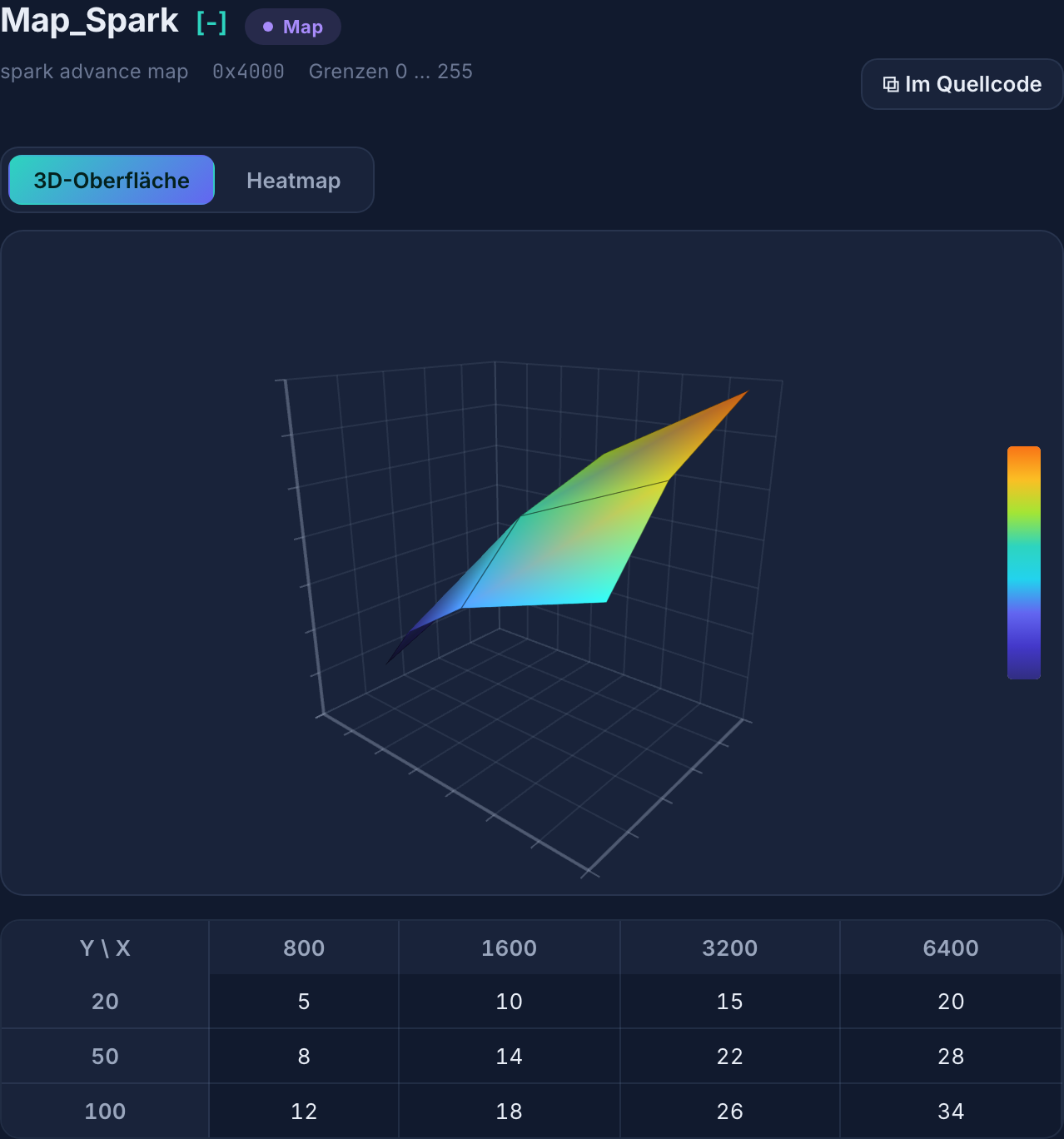
A value on its own rarely settles a question in review. Usually you want to know where it came from. From any row you therefore jump straight into the original line of the A2L file, or onto the matching HEX address.
That shortens clarification considerably. Instead of searching the A2L file in an editor, you see the definition in context immediately. In addition, it stays traceable which description a value rests on.
Checks the Parser Makes Possible
Because the parser knows both structure and values, VersaCal can check them against each other. The health report flags objects it cannot decode. Likewise, it finds address overlaps and values outside their limits.
Furthermore, the anomaly scanner examines the shape of curves and maps. It detects non-monotonic axes, jumps and outliers. The AI assistance then explains every finding and triages it: critical, worth reviewing, or intended.
Using an A2L Parser Without an Install
Classic tools tie the parser to one workstation. Every install needs rights, maintenance and a licence. VersaCal instead runs in the browser, operated in your data centre or in your own cloud tenant.
Your calibration data does not leave your house in the process. No outbound connection is required, and there is no telemetry. Thus the know-how stays where it was created.
Read the standards: ASAM MCD-2 MC
Frequently asked questions about A2L parser
Which A2L version does the A2L parser read?
VersaCal reads A2L files per ASAM MCD-2 MC. The parser handles the objects that matter for series calibration: scalars, curves, maps, axes, conversion rules and memory layouts. Objects it cannot decode are reported explicitly by the health report rather than skipped silently.
Do I also need a HEX file?
For the values, yes. The A2L file only describes where something sits and how it converts. The values themselves live in the memory image, that is, in the HEX file. The two therefore belong together: A2L supplies the structure, HEX the content.
What happens with a new software level?
Then you lay the existing dataset over the new A2L. VersaCal carries unchanged parameters across directly. An AI suggestion detects renamed parameters, while porting lists new and removed ones. Every suggestion passes preview and review first.
See the A2L parser on your own dataset
Show us an A2L and a HEX image from your project. In the demo we load both and walk through the dataset together.